Haptic Feedback Suit
This was a quick project that I made to have some fun while playing Fromsoft’s 2023 game Armored Core 6.
Idea
I really like playing AC6 on mouse and keyboard. However, I want to feel like I’m IN the game, and the rumble on the controller really adds something. My solution is to drape an xbox controller around my shoulders and let it hang on my chest while I play on mouse and keyboard, so that I can get the good feedback when I’m playing the game.
However, this is not optimal. It’s a little annoying to have to keep adjusting this loose controller, and you can accidentally push buttons or move joysticks a little, which is really annoying. So I started thinking of ways to get around this. One thing I’ve been doing is using Arduino ProMicro devices as native USB controllers, like MIDI or HID type devices. One of the HID libraries is set up for pretending to be an xbox contorller. I also have motor drivers, so all I have to do is convert a rumble command into a command for the motor driver!
First I had to make some enclosed haptic actuators, so that I could just mount them however. I already had a bunch of 12V DC brushed motors, and I had been curious about trying out one of the laser fabrication houses that shills on youtube have been pitching. So I got sendcutsend to make some counterweights, and also send me some sheets of aluminum so I got free shipping and had some stock on hand for machining myself.
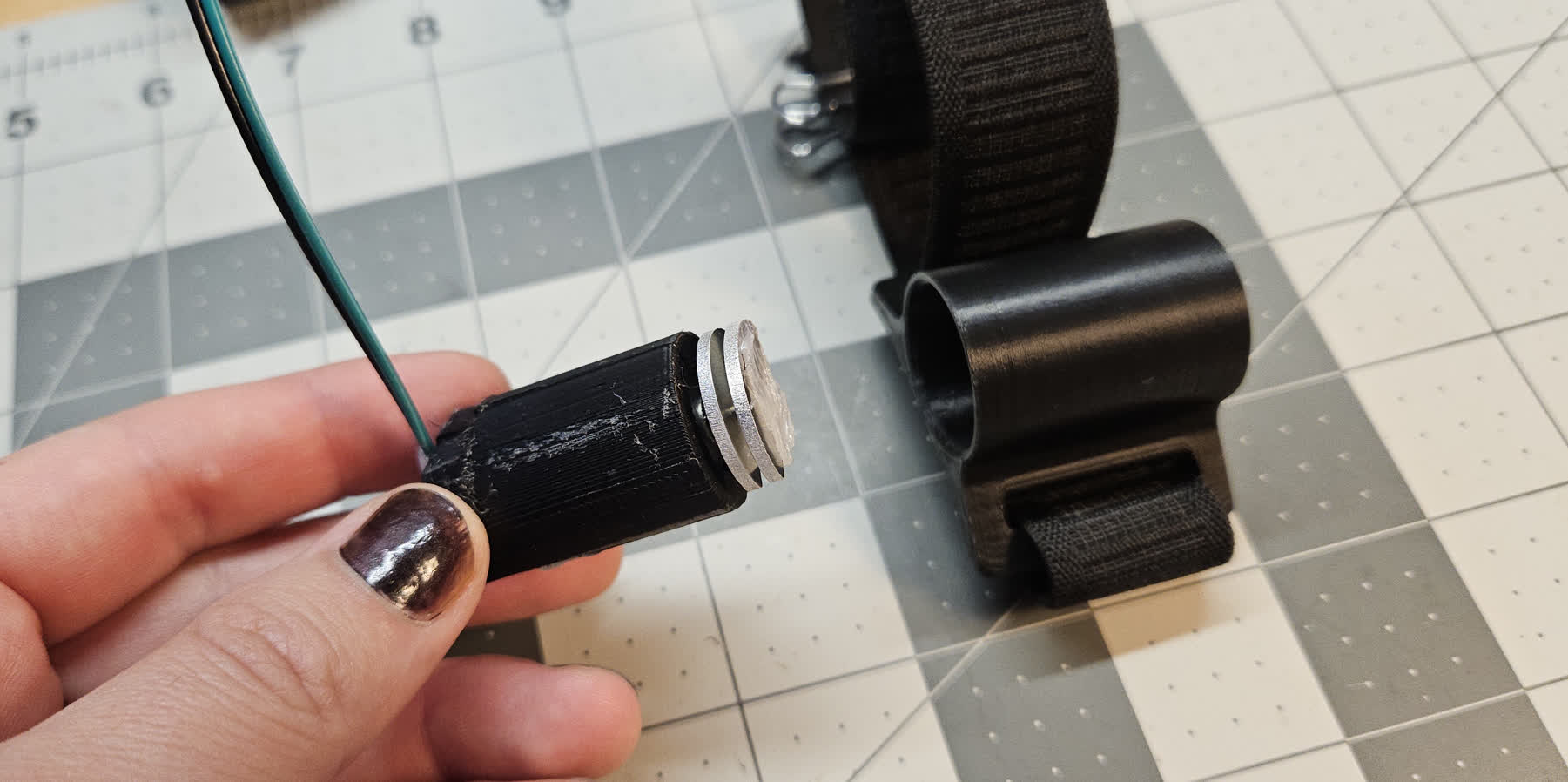
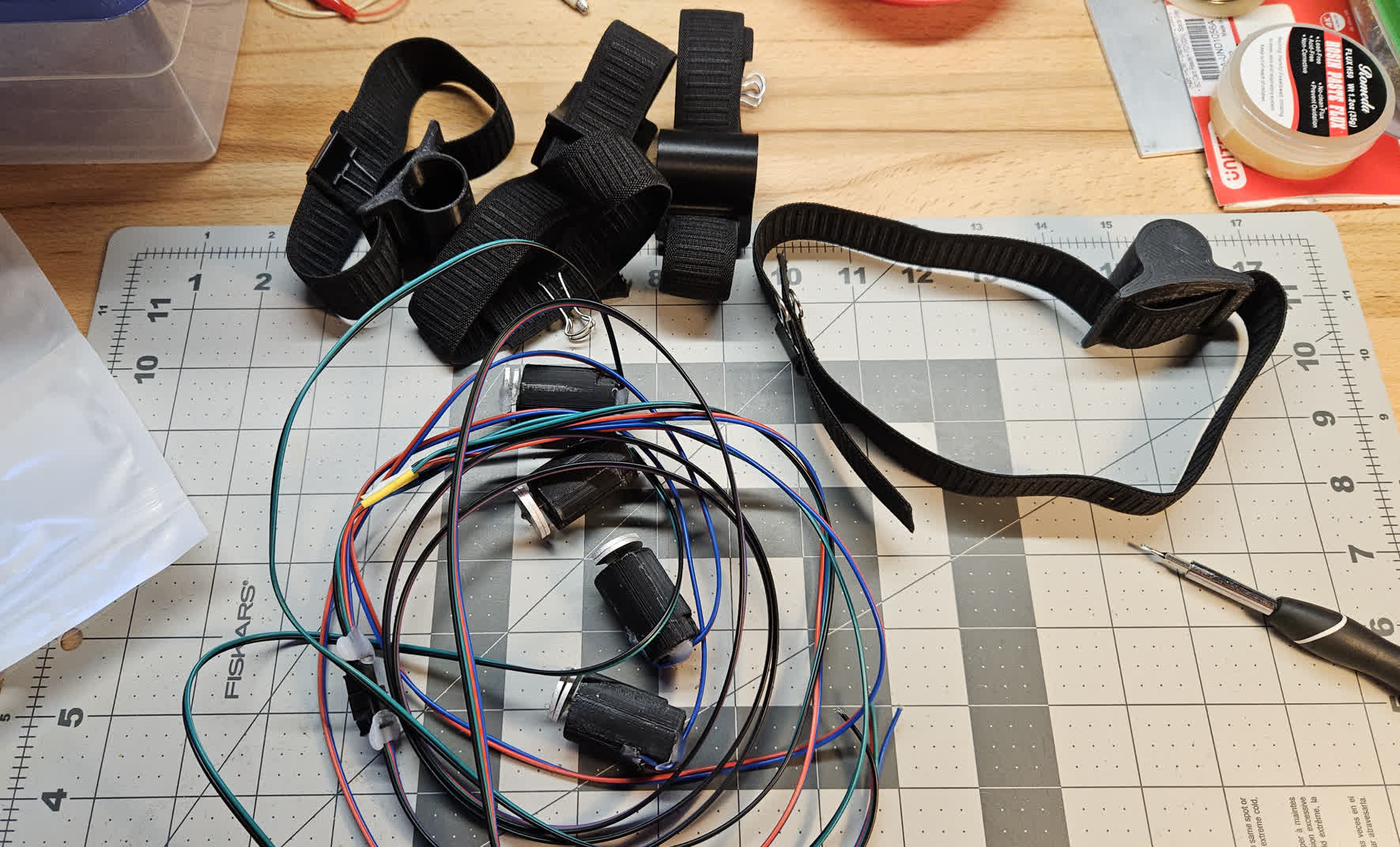
I basically hot glued the weights onto the shaft which is not ideal but its fine. I got some elastic band from the soft goods lab at work, and printed some housings to slot the motors into.
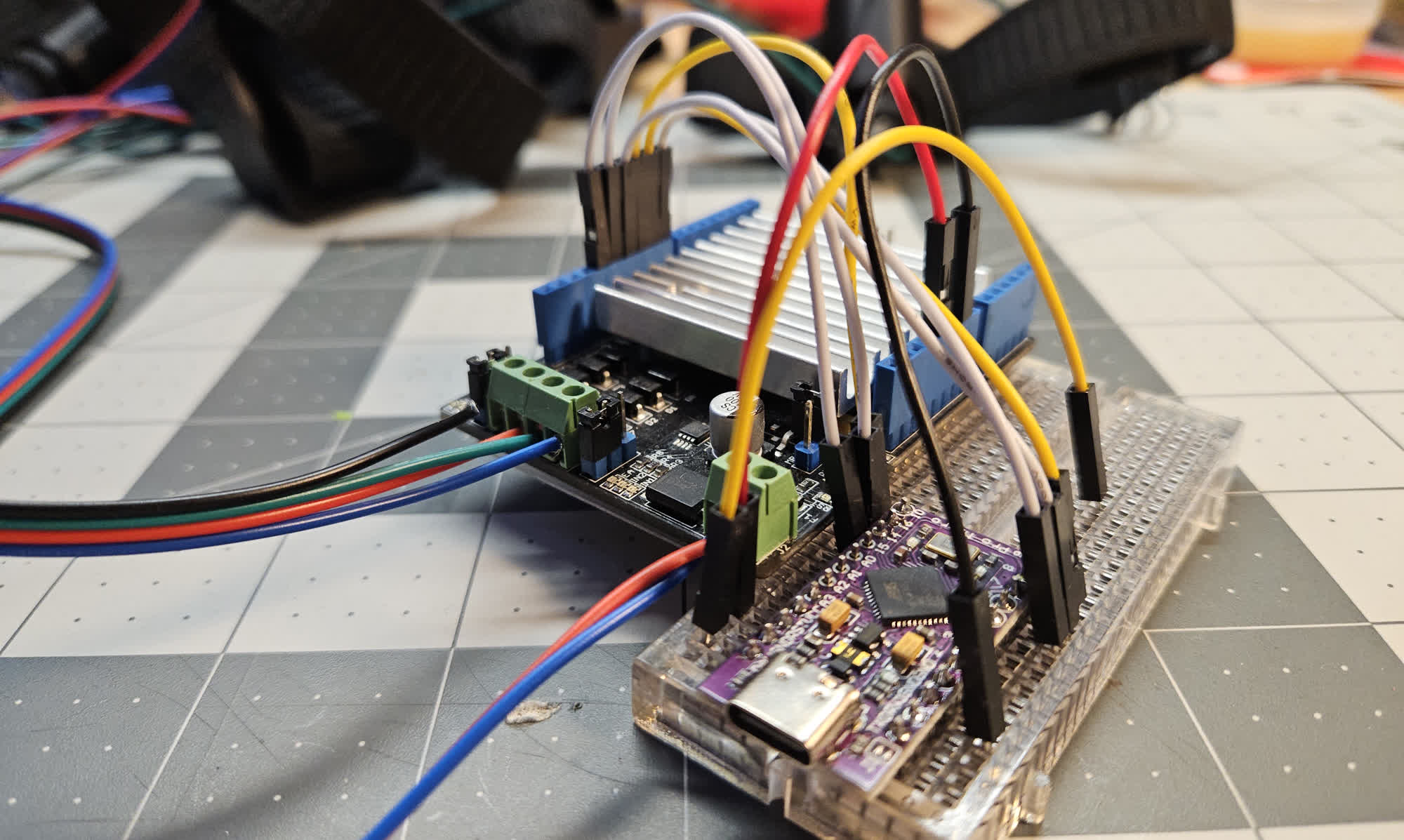
The driver was powered off somewhere between 5-12V depending on how aggressive I wanted the strongest feedback to be. I found roughly 9V was enough to be noticable without borderline hurting. I also decided that connectors are overrated and this project was not serious enough so I just directly connected the wires to the driver.
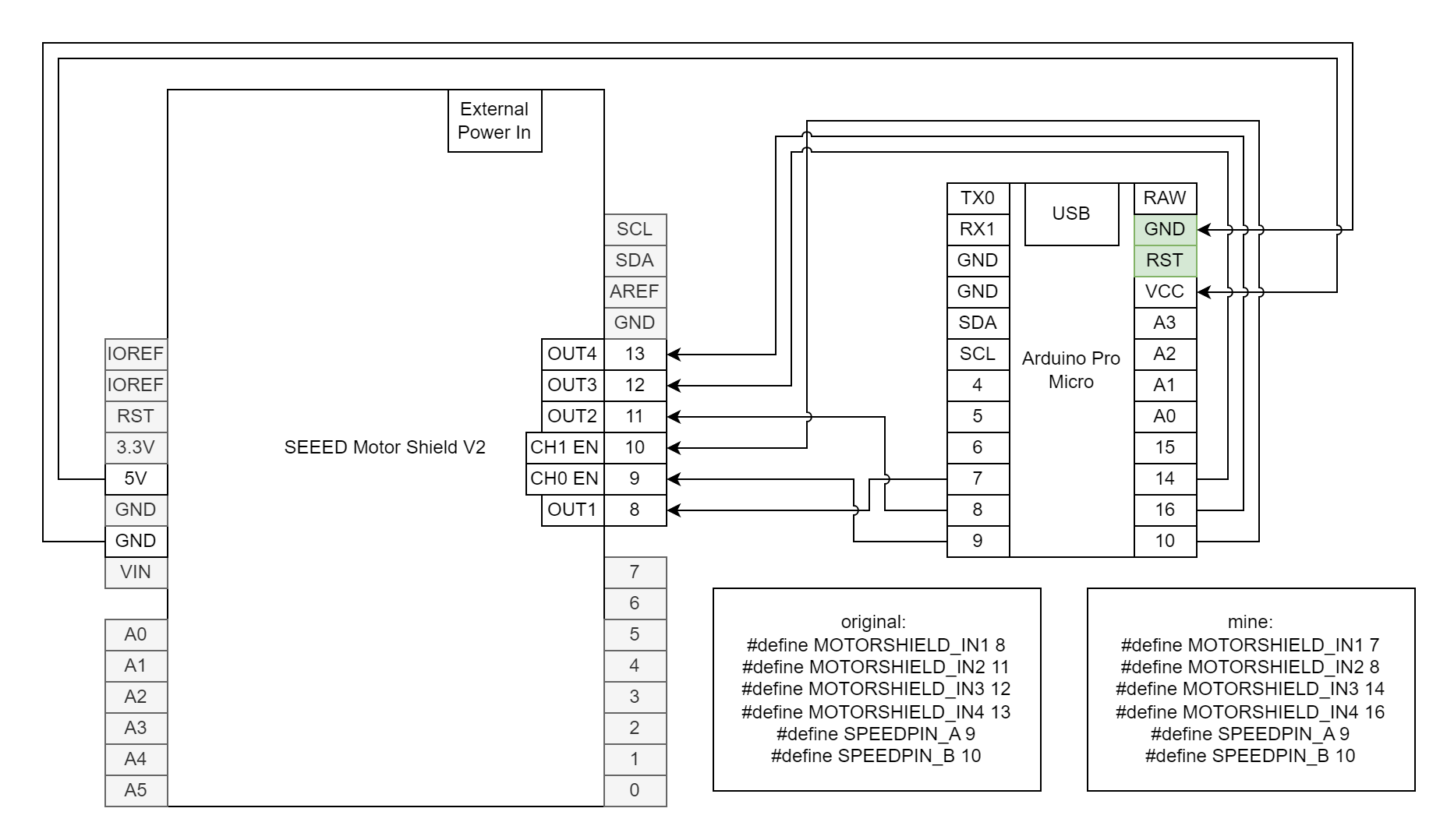
Modifying the Motor Driver
The motor driver I had was designed as a Shield for the Arduino Uno and compatibles. However, I wanted to use it with a promicro, which has a completely different pinout. The library shipped with the board needed me to manually change some pins that weren’t even modularized. Cmon.
Pygame and Testing
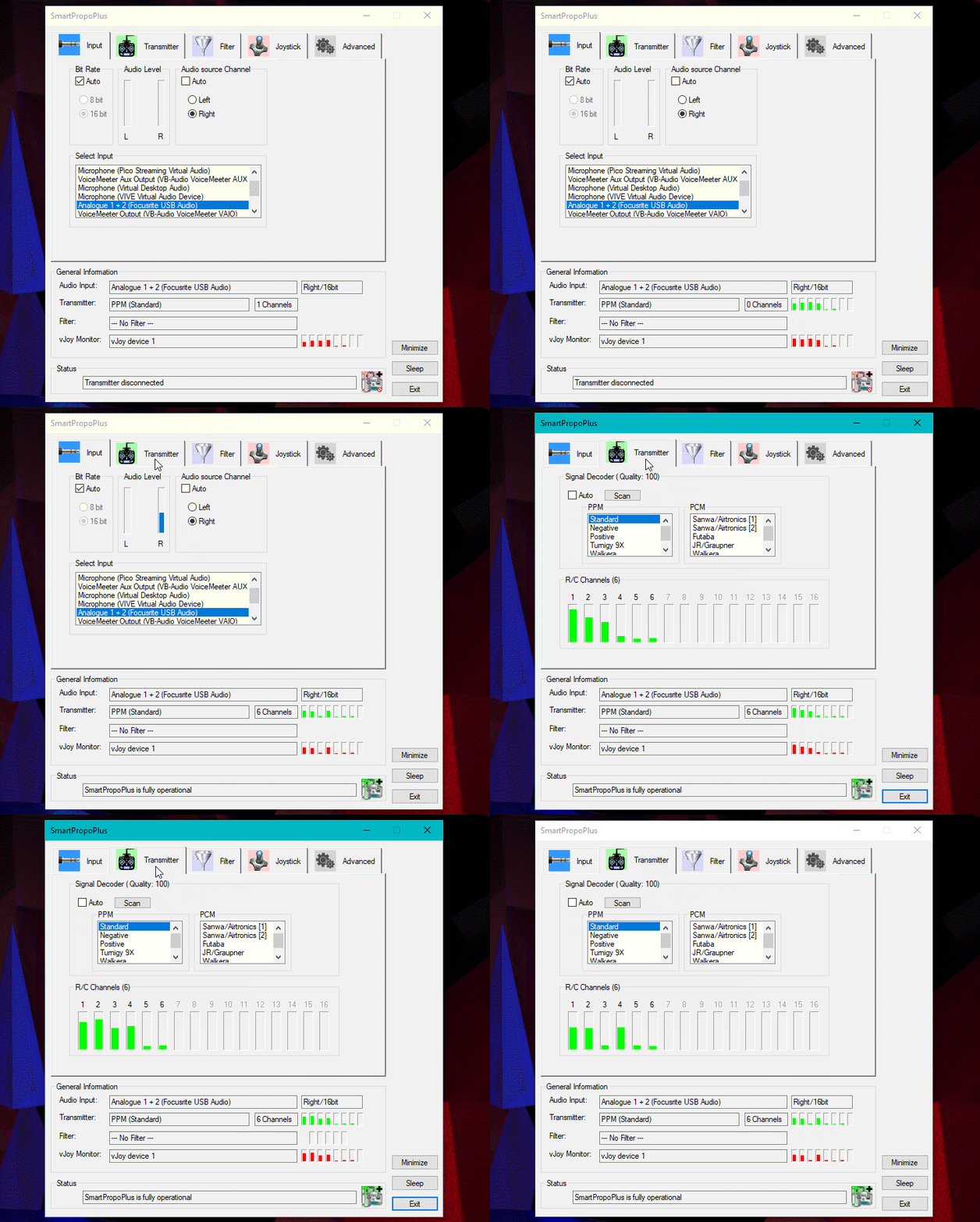
I tried using pygame to test the device - this would allow me to constantly send on/off rumble commands of varying intensity and tune the feeling. Here I found out that Windows is really weird about controller priority. I was able to solve, after hours of painful debugging, that the thing causing insane problems was actually the vjoy virtual joystick driver I had installed to use my RC transmitter to play FPV Simulation games with smartpropoplus. I disabled that in device manager, and it solved most of my problems. I would still have weird hotplug problems with my other controller, but I gave up root-causing them and just moved on with the project.
Sidenote about vjoy and smartpropoplus - it’s been years since they were updated, but they totally still work great. If you don’t have a TX that supports HID mode for simulators, give them a shot. Also shoutout to Windows-specific software I’ll miss on Linux.
Mapping
Xbox HID specifies two vibrate values, one for the low frequency and one for the high frequency. It was at this moment that I noticed for the first time, in the clear controller I have owned for years, that the two counterweights have a different number of weight units attached to them. The heavier one is the low frequency one. Armored core seemed to use these for different things, most notably quick boosing only activated the low frequency motors. For this reason I mapped those to the two actuators on my legs, and then the high frequency to my arms. I just doubled up on the channels, so the two legs were the same commands.
I did end up putting a single connector - 4 wire plug that allowed me to stand up and walk away from my desk.
Playing the Game
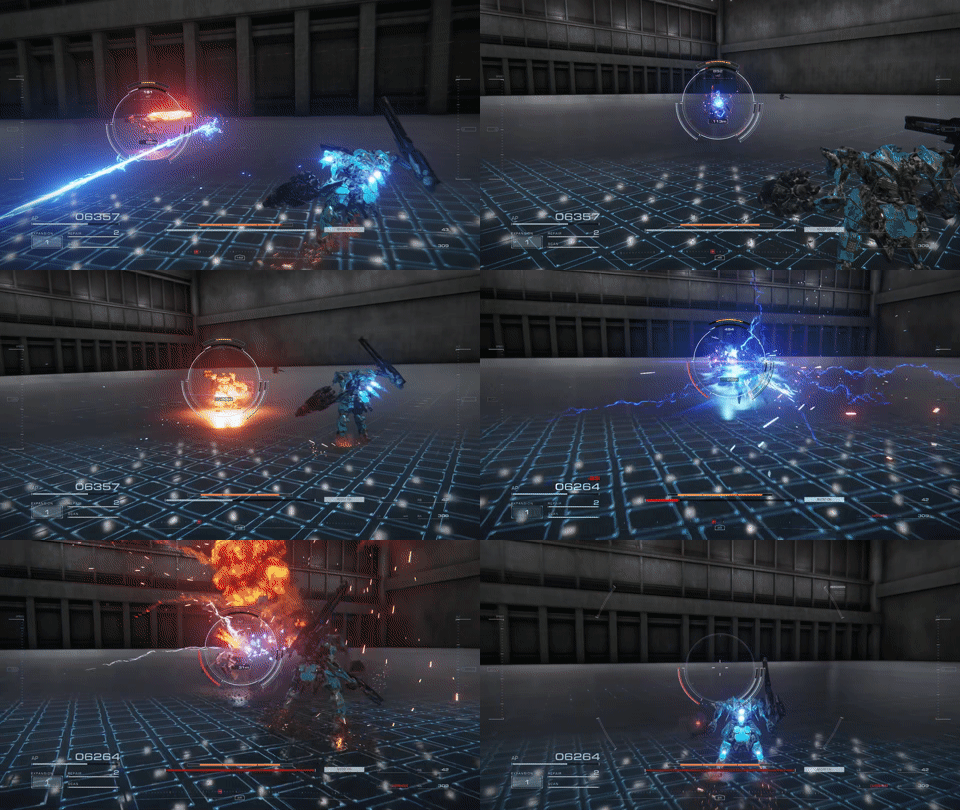
All of this work was in service of one thing - immersion in the game Armored Core 6. For this, I would decide “its time to get in my robot game”. I would dim the lights in my room, put on the red “emergency lighting” setting on the LEDs, Strip down, put on my wetsuit, tie up my hair, and strap on the haptic feedback bands. From here I would sit down at the desk, plug in my headphones, plug in the motors, and boot up the game.
Its fun!
I actually was probably 75% of the way done with my first playthrough when I started this project, so I had only the most interesting and emotional battles left. I really feel like the setup helped me focus more, feel more connected to the story, and get the most enjoyment out of a genre and game that I really love.
(For those of you who know, I was doing the corpo route at the time. Those last two battles were crazy. Sorry Rusty <3)
Further Work
I tried playing Dirt Rally 2.0 with the same setup, because this is another game that I think could benefit from more immersion. The difference here was that Dirt manages input devices more specifically - You have to select ONE device in the menu, either a specific one of your xbox controllers, or mouse and keyboard. It does not send rumble commands to deactivated controllers. My device just didn’t work at all. I spent 30 seconds looking into how to make a vjoy device, but decided that was stupid and I had better things to do.
Project over!