Horror Gamejam - Chrysopoeia
Blog post written in October 2026. Yes that is way later. I finally got around to it.
This project was an entry to the 19th RPGMaker Horror Game Jam where the theme was “Cursed Jewel”. This was my first time making a video game, and my first time using the Unity game engine.
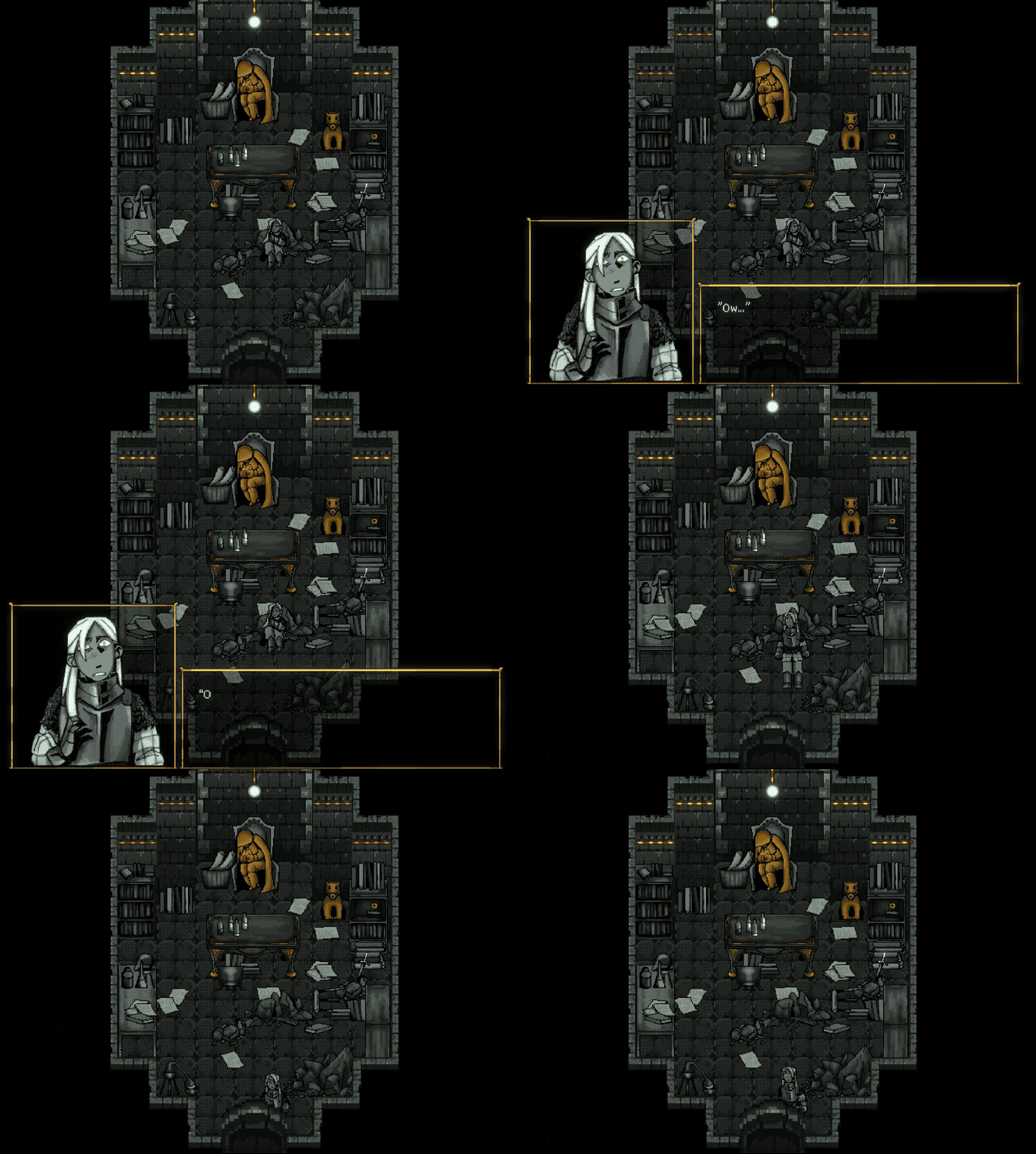
Reference Links
Itch.io Gamejam Submission page (votes and rankings)
Getting Started
Mimi from ebro came to our discord server with the proposition to gather all of these talented artists and writers, and make a video game. Gamejams are a good way to get a game DONE instead of just throwing some ideas with no set goals together, and the themes and style restrictions give just enough to let artistry and ideas flow easily. E was the foremost expert, having done several gamejams with other people in university, and was willing to coach some of us through the process. This jam ran from August 4th to September 4th, so a full month gave enough time for the members who have full-time jobs could contribute sizable portions in the evenings and weekends.
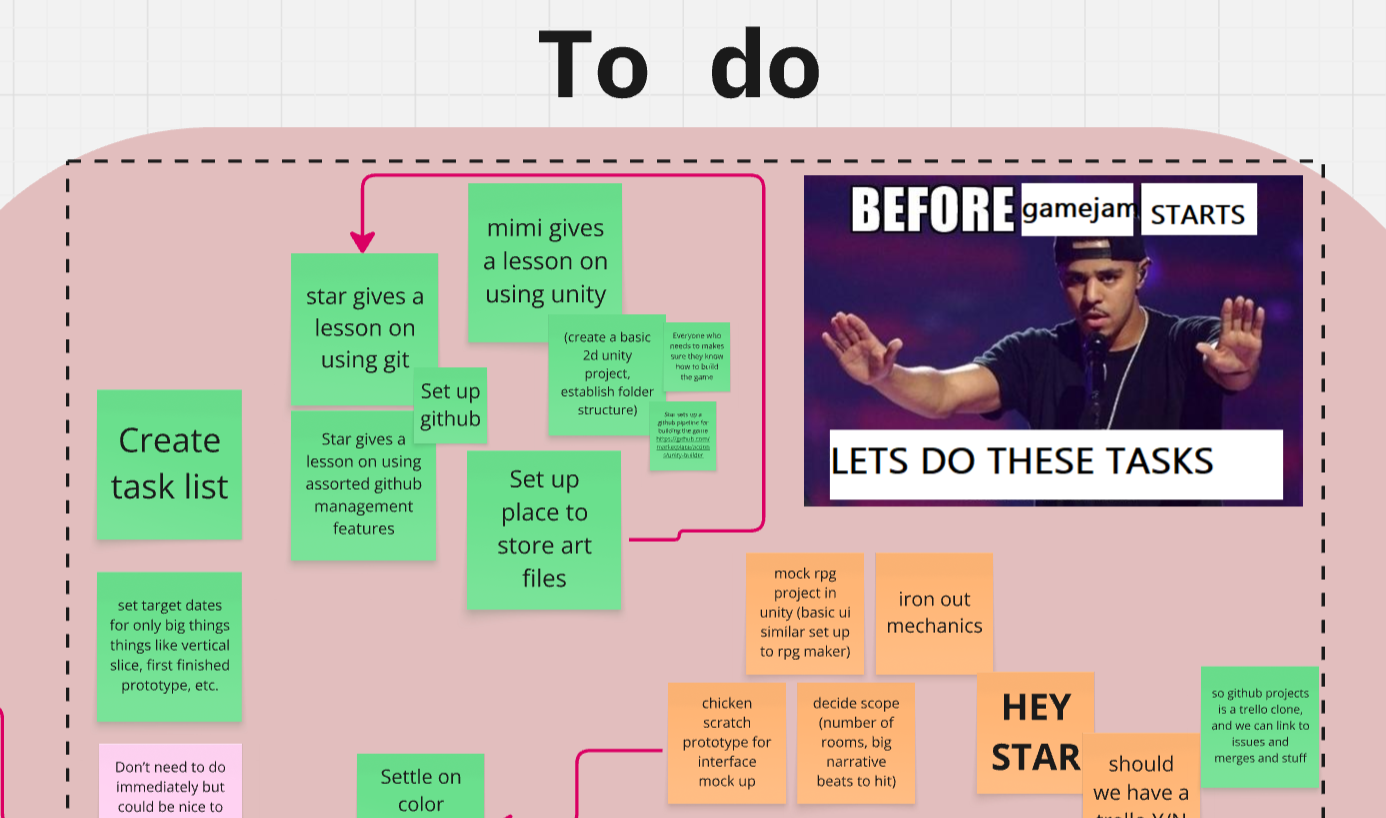
I was super excited to work with talented artists so i was happy to take a vision backseat and focus on tools and game building. We did an ideation session, where everyone threw some ideas around, and we settled on using Unity to make a RPGMaker-style game, and some basics for the story and where the horror comes from.
The team (in no particular order)
Enderesting aka Mimi: Leader, programmer, artist, writer.
Starmaid aka Me: Programmer.
Reactorc0re aka Alanah: Artist, writer.
AdriftAgain aka Kato: Artist, musician, writer.
Timesnewfishcat aka Cat: Artist, writer.
Yoggypoggy aka Buttons: Musician, writer.
We also had some occasional help from other members of the server - but I think this covers the main group.
Training
This was most people’s first time ever working on a video game, and some people’s first time ever working on a programming project at all. As such, over a month before the start date we held short classes on how to use some various tools once a week.
- Miro canvas basics
- Unity basics
- Github and git basics
- Github project management basics (we ditched this and just moved cards around in Miro)
- Ink dialogue system basics
Also for a gamejam, we are allowed to do ideation and concept design before the start - so various artists worked on style tests, sketches, scene descriptions, etc. I also used some of this time to learn the differences between Unity and the only game engine I had used until then, Unreal Engine 4.
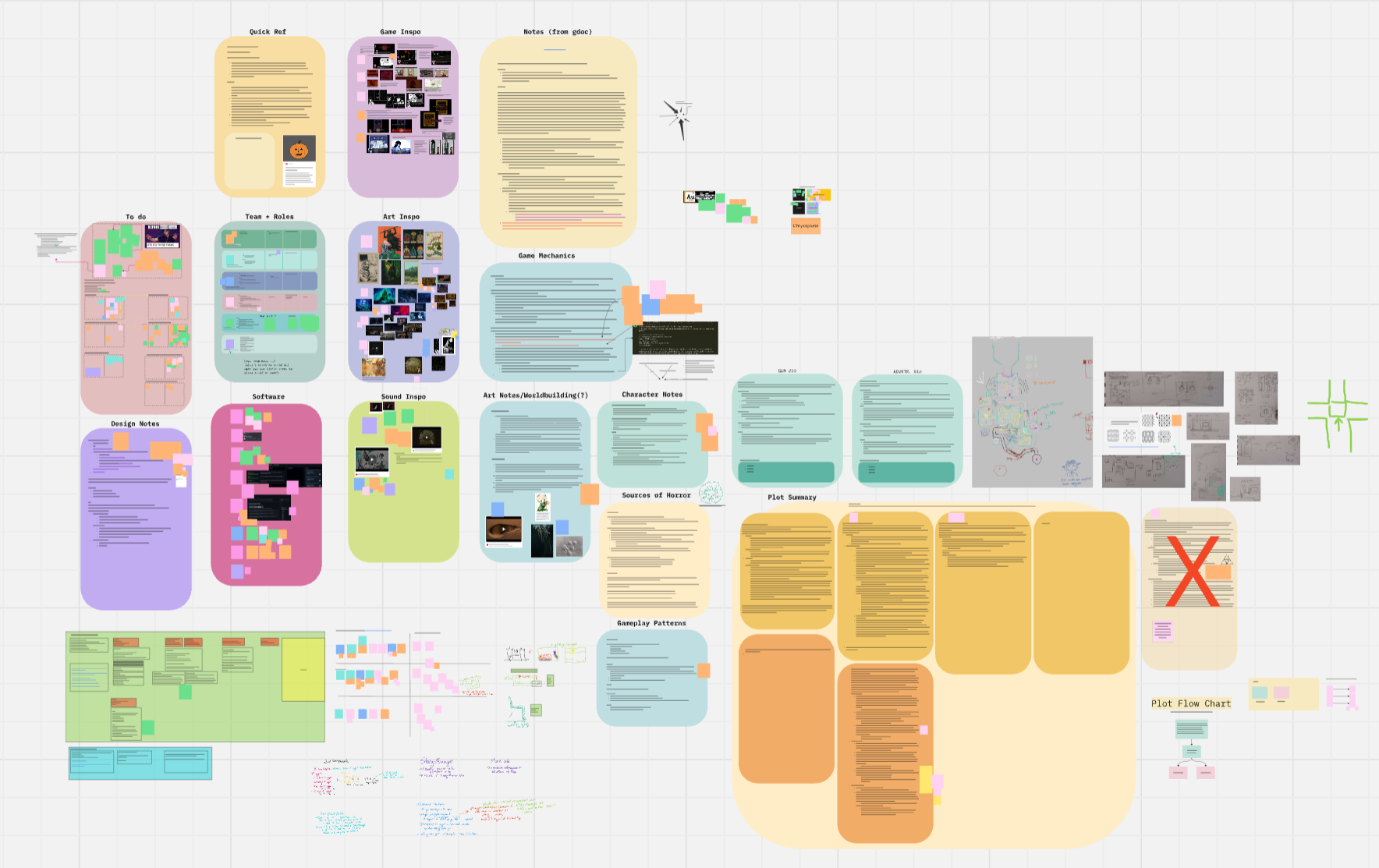
It became clear that many people on the project loved the project management aspect of it. We did probably spend too much focus on the tools and process, but it was a huge learning experience.
The Jam
Obviously with 6 main members and a few additional helpers, there were a lot of cool things done by the team. I’ll use this blog post to summarize things that I did that I think were cool.
Google Drive-Github Tooling
For 3/6 members of the team, this was their first time using Git. Additionally, tracking binary blobs for photoshop files and audacity projects did not seem like a useful way to track them. So as a compromise, I set up a Google Drive folder that each artist synced to their own computers using Google Drive Desktop. They could then work in photoshop with familiar normal file management, export at the set resolution, and upload to Google Drive automatically. Then I could sync my Google Drive folder, and copy only their exported files into the game assets folder, and commit+push. Now all the programmers would get updated assets to work with, and the artists would have their large binary files in easy access.
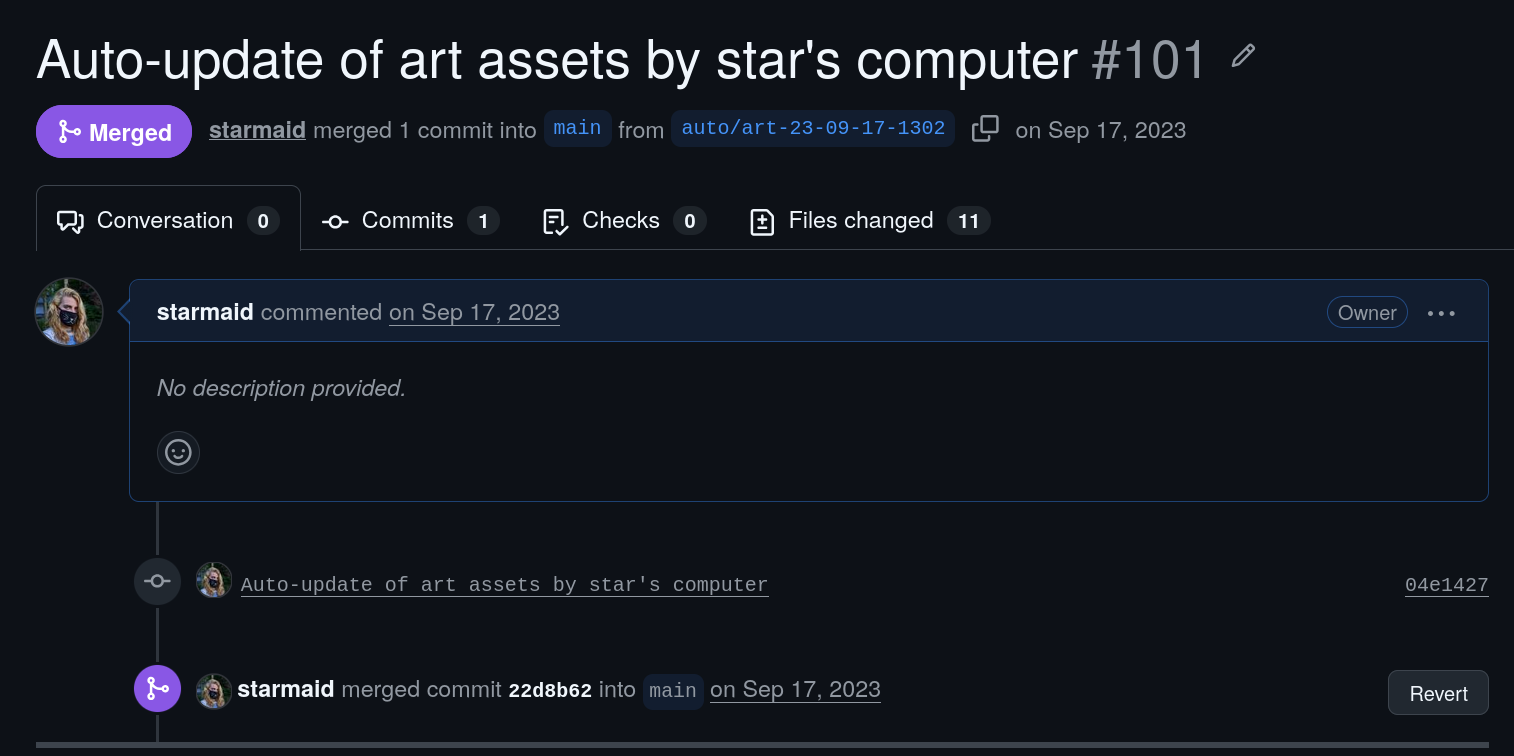
See the script on Github
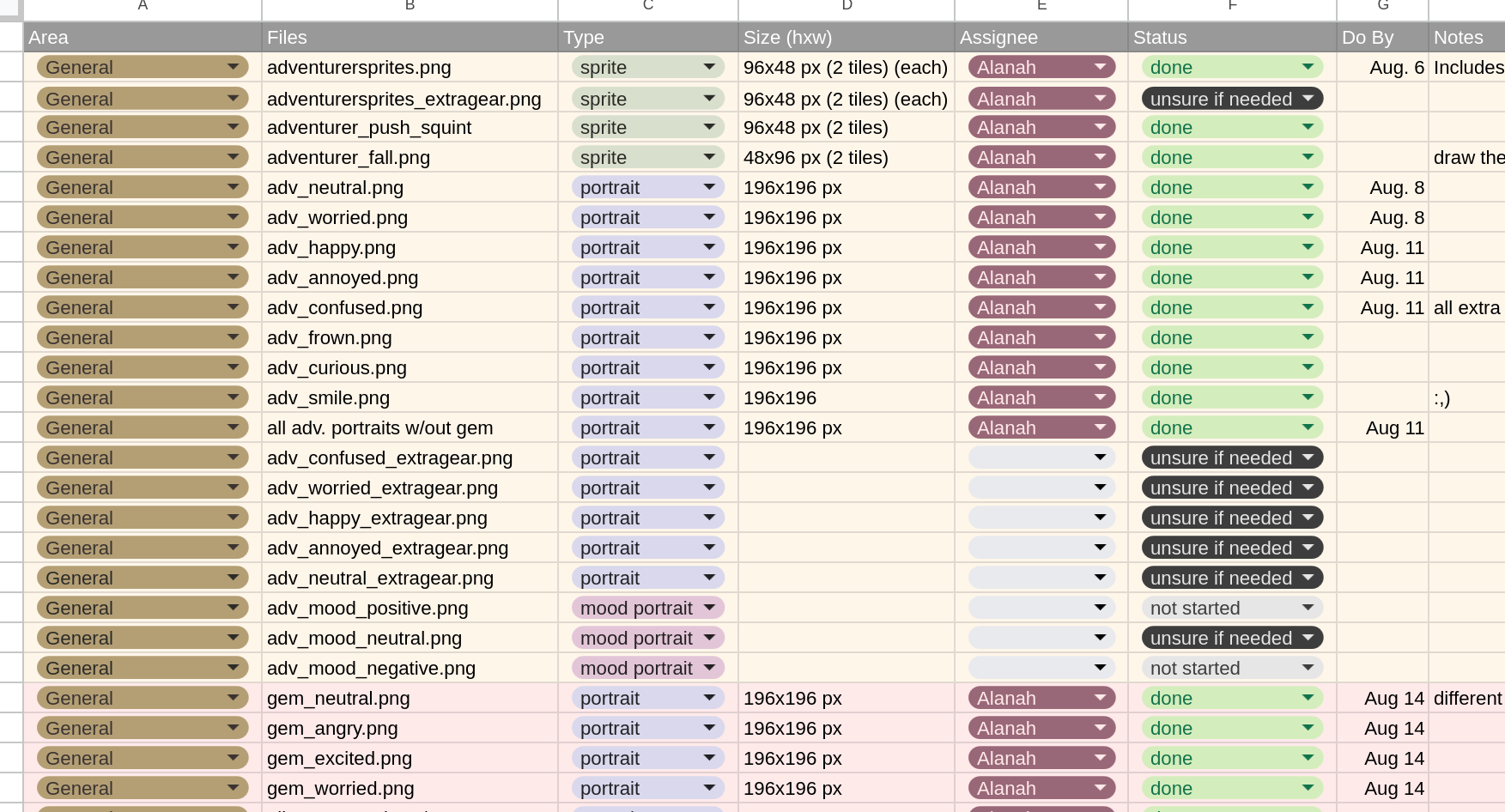
To make sure the artists were dividing and conquering the large list of textures, sprites, and sound effects, after a brainstorming session I created an asset manifest spreadsheet that contained priority and assignee and even dates, progress, and other notes. I had just seen a similar spreadsheet format at my job at SRI, and I found it super helpful (shoutout Alison). The art team took it and ran, adding cool formatting and stuff.
Github Unity Build Pipeline
I set up the game-ci github action to build the game for multiple platforms, including webGL. This made builds reproducible and easy to track. I didn’t author the workflow, but this was my first time setting one up and using it. I had to learn about triggers and secrets and all the things that make the machine work. I also used branch protection and PR checks, so breaking main was now at least checked from a compilation standpoint.
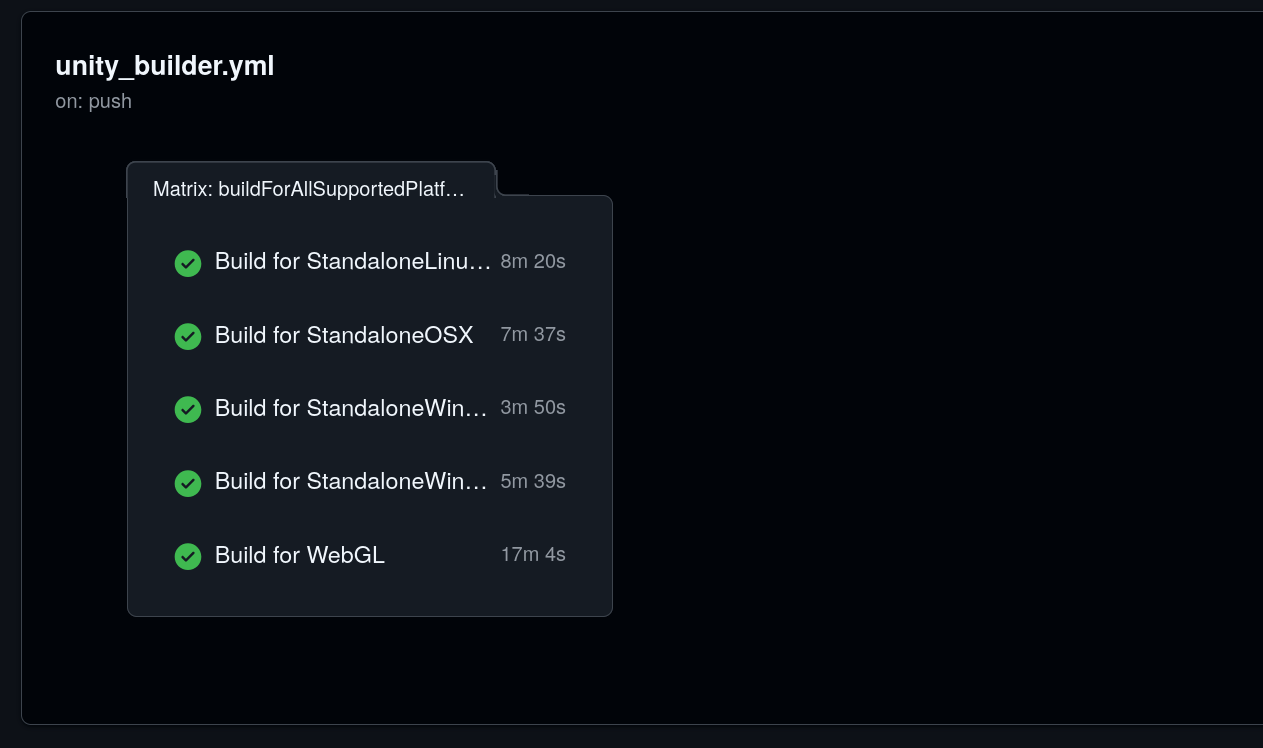
Funnily, when writing this post, I went back to check on those actions - and the record had all been deleted because Github only keeps records from within the past year. The assets had been purged too, and I never actually created a “Release”, instead just making tags and then going to the artifacts page and downloading them. The tags are still there, but I went back and updated the workflows so they could run today (and I could get this screenshot). The Releases page now has one release that is the same content as the end of the gamejam.
Shaders
I worked on some shaders to make the game pop. Graphics programming is one of my favorite things and I always have a lot of fun with it. Lets take a look at some of the things I made!
Dither
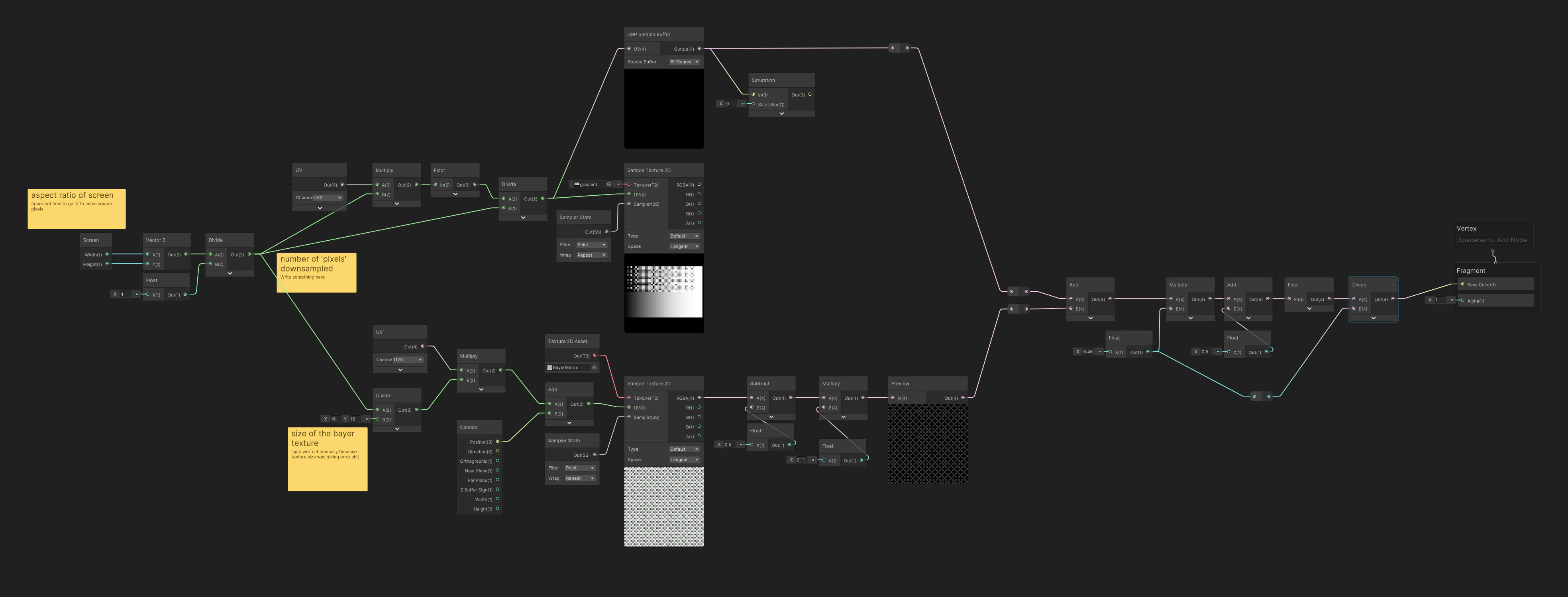
This one didn’t actually make it in the game, in favor of letting the artists do their own dithering in photoshop. However, it was still fun! I followed Acerola’s video guide for dithering and also referenced his source code a bit.
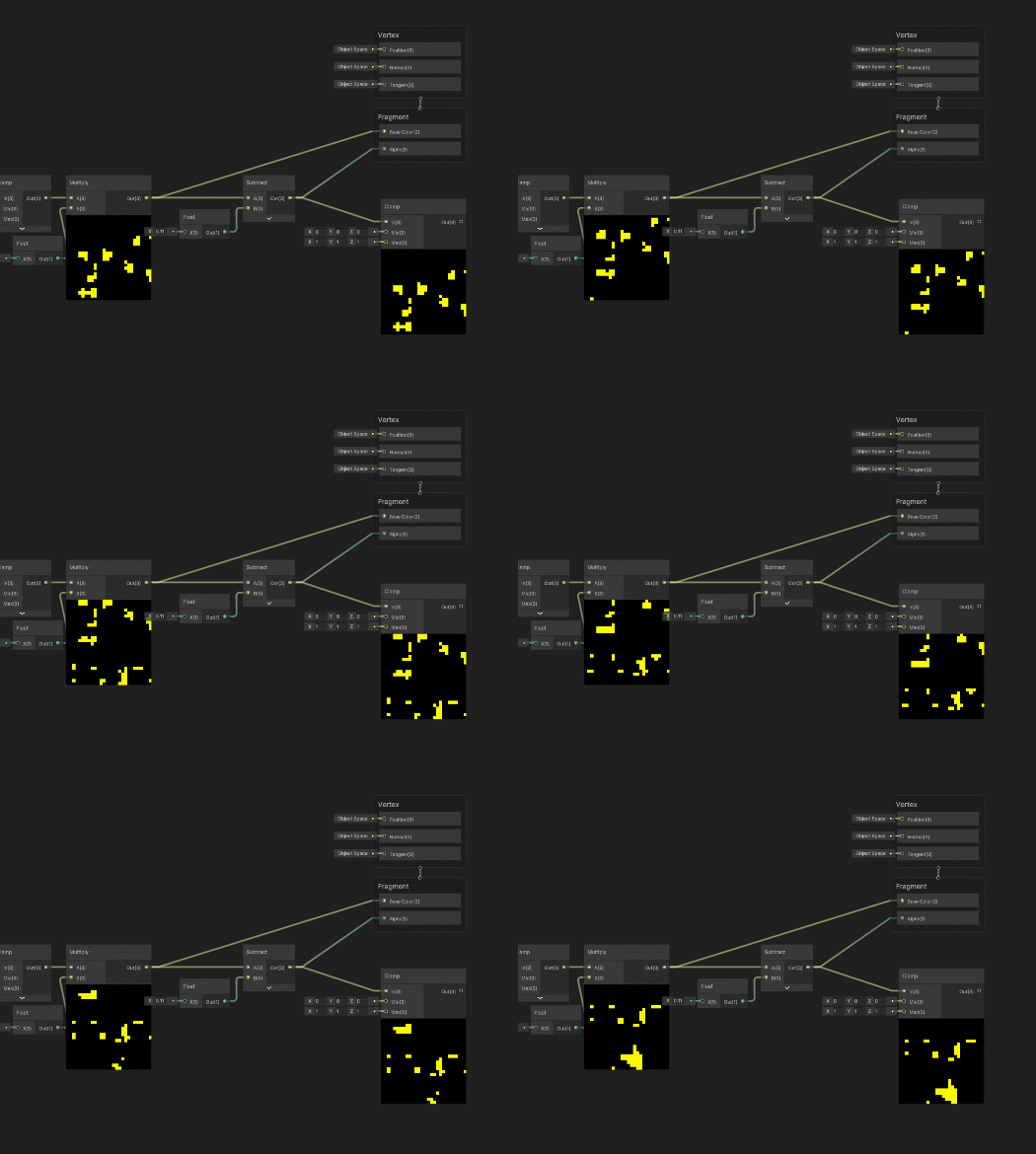
I started this shader really early in the gamejam, and I actually did it in a little sandbox project to learn Unity’s ShaderGraph implementation, as it is a little different from Unreal Engine and Blender. I really love the preview on all the math nodes, it makes it really easy to tweak things and see what they do exactly.
Ambient Glow
The goal here was to give an ambient glow to electric objects or other pieces of interest. This was meant to pulse and make static sprites more dynamic, specifically only the whites and saturated reds. These colors were used very sparingly and I wanted them to be even more special without requiring artists to export masks for their sprites.
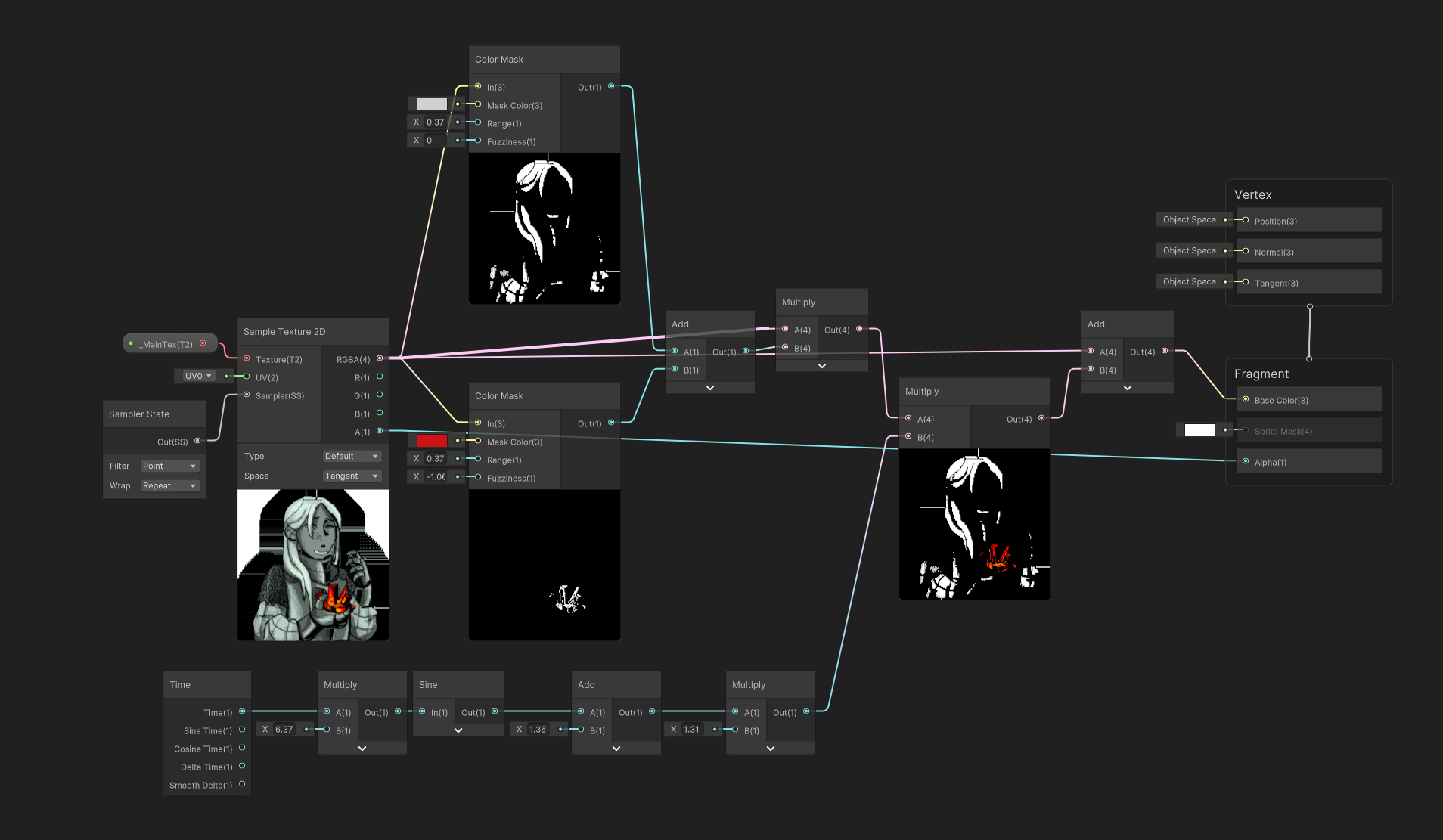
I made an alternate version that only worked on red - this could be used on sprites that had a lot of white, and also because the text and UI elements were annoying if the white was pulsing.
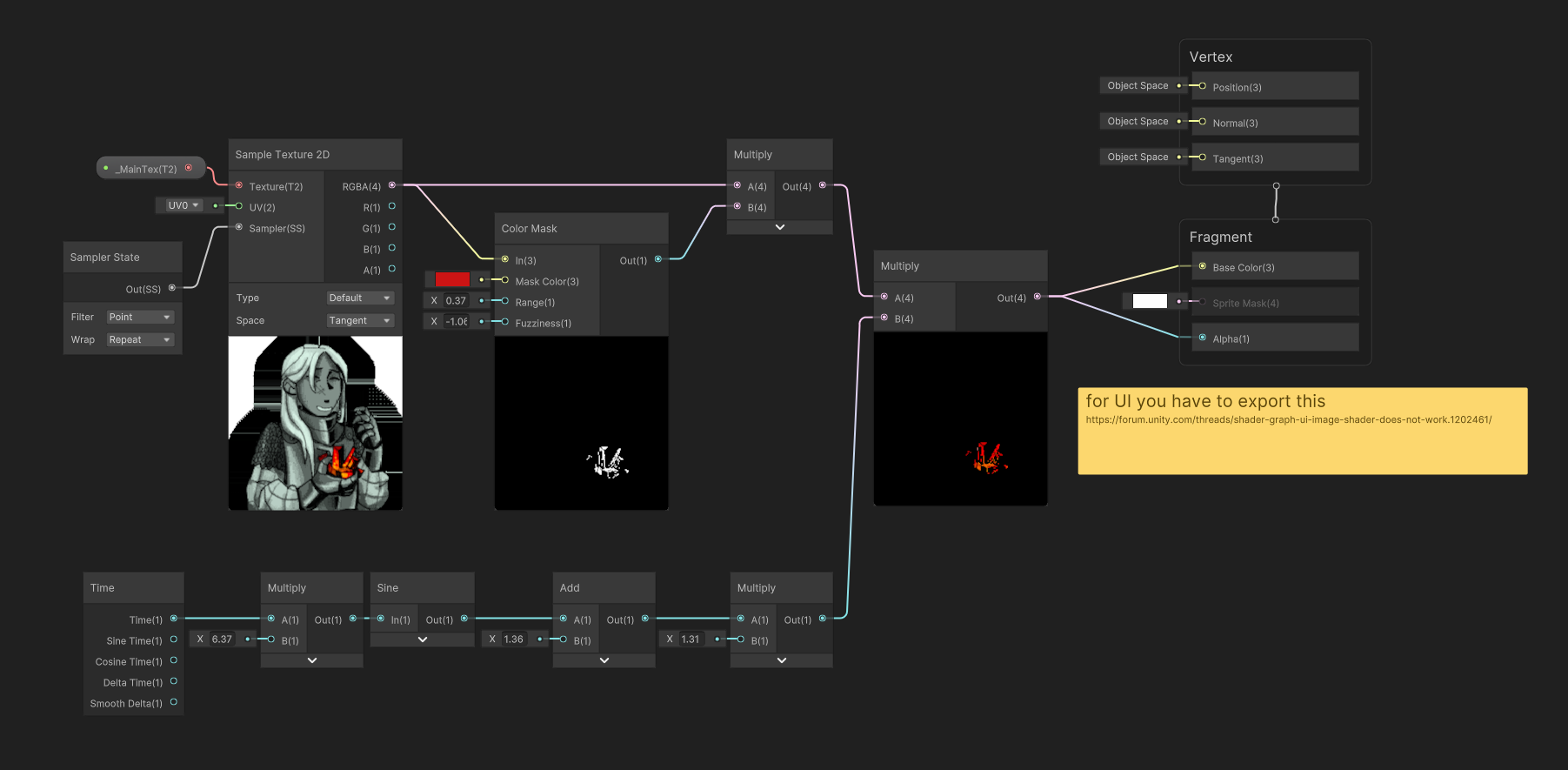
This looks cool in the preview even! Even with the weird artifacts.
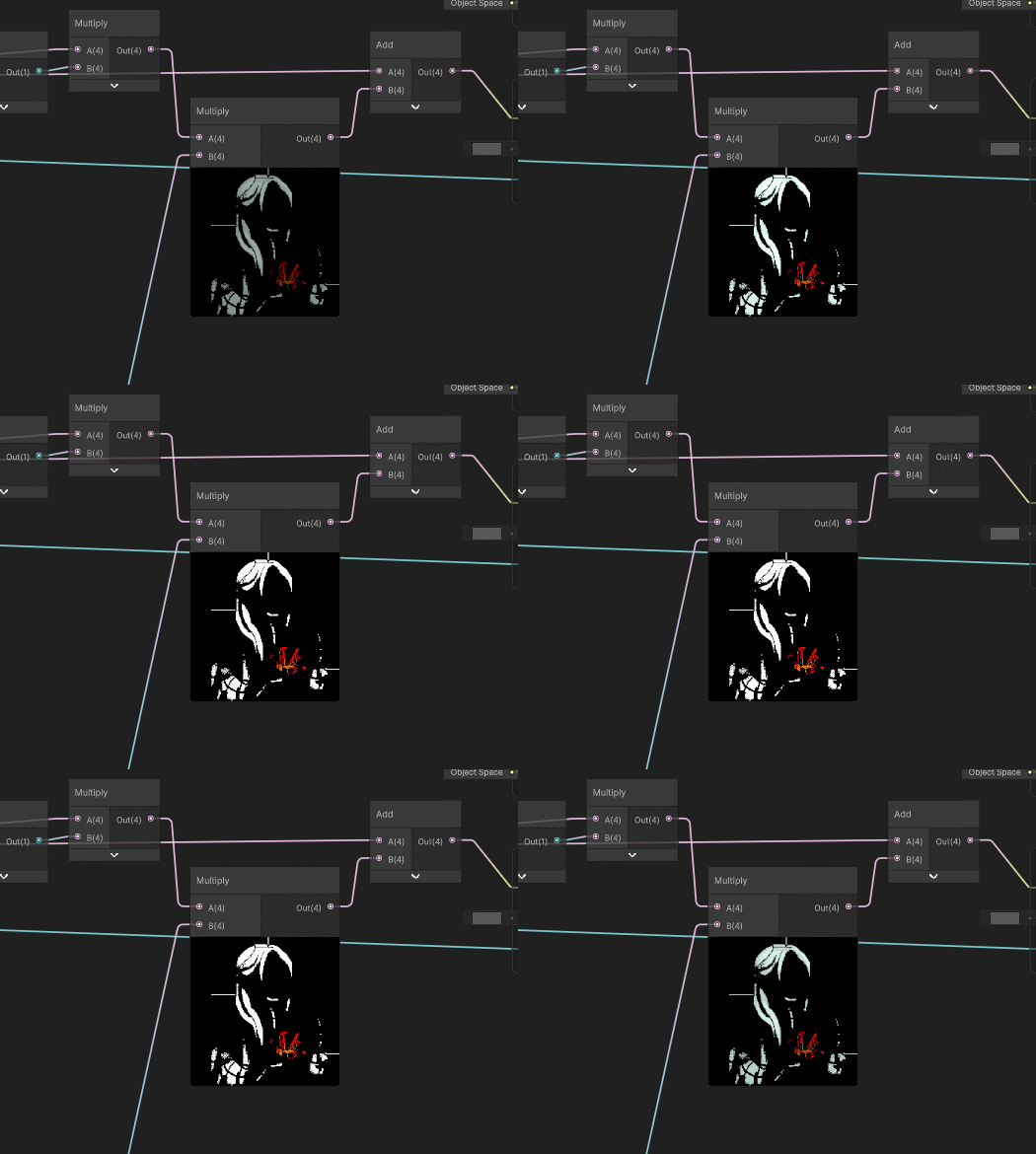
Outlines
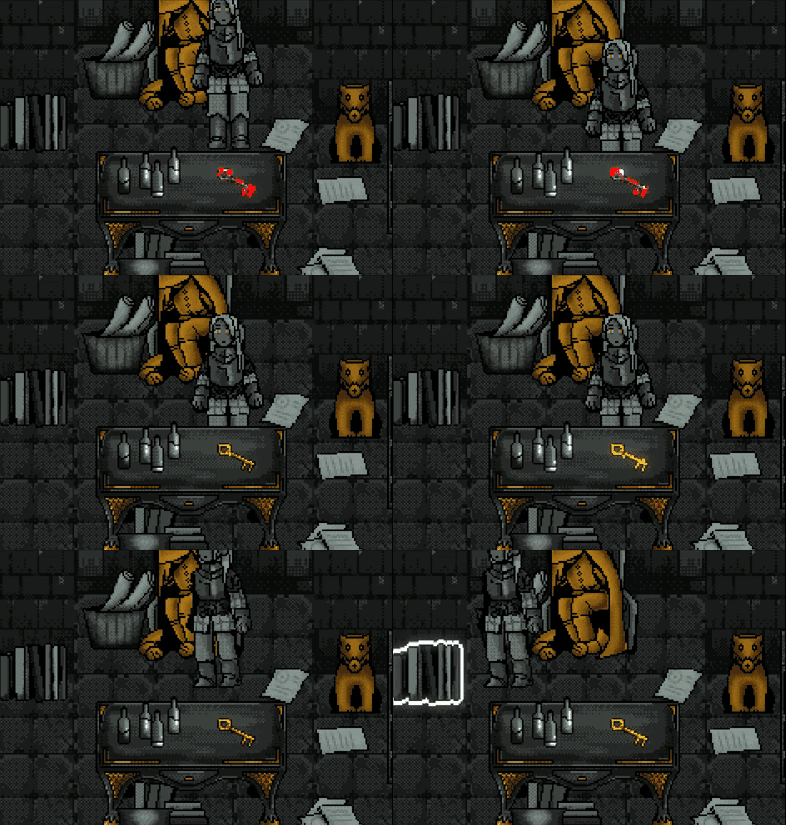
Theres a simple outline for intractable objects. I think we went back and forth on if the character should occlude the outline - we ended up making the outline draw on top of all layers, so the player could see the shape of the object they were standing near!
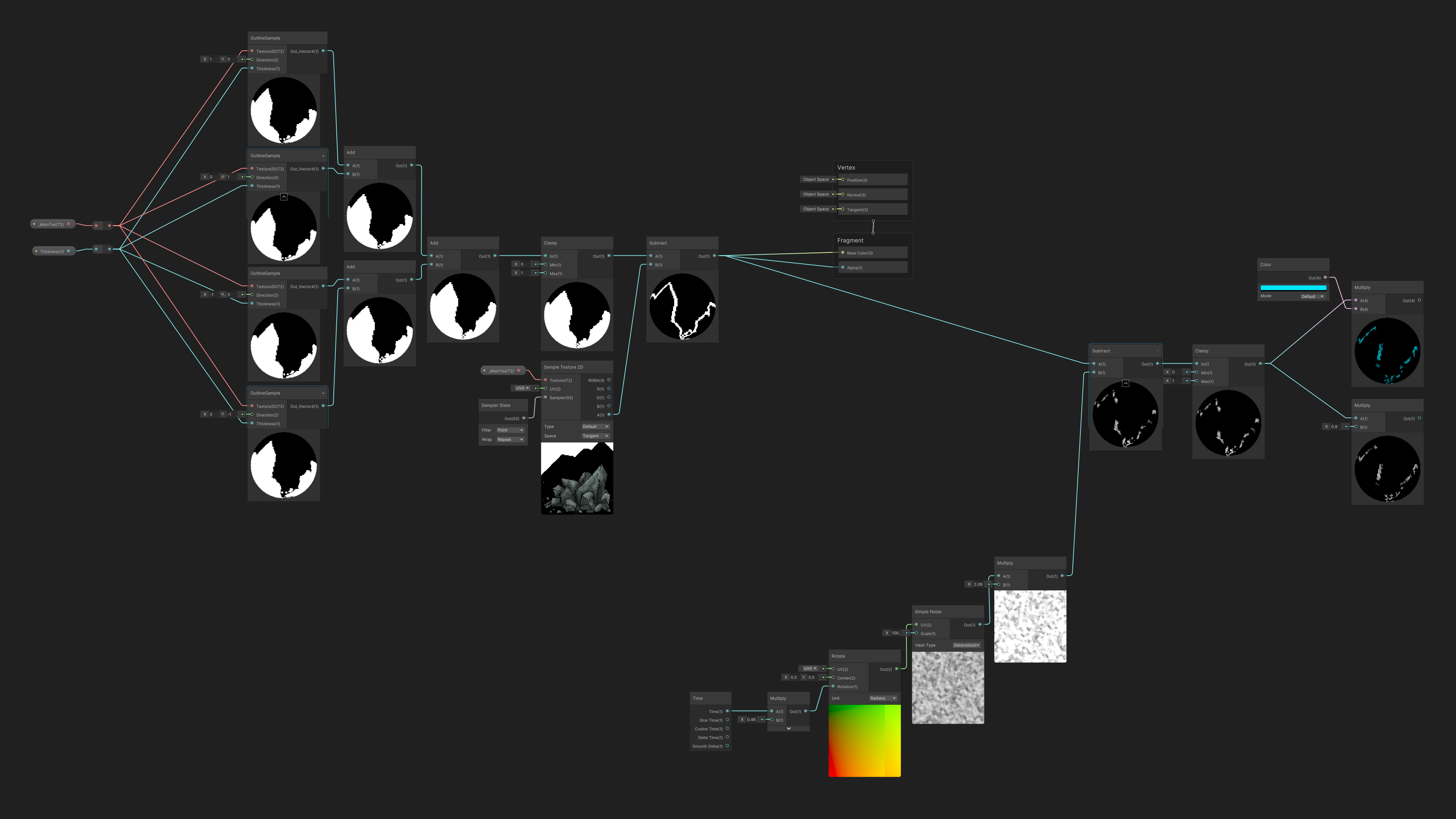
I also played with some more visually interesting versions of this shader, and other colors - these had an animated aspect, but they were too busy and we ended up not using them.
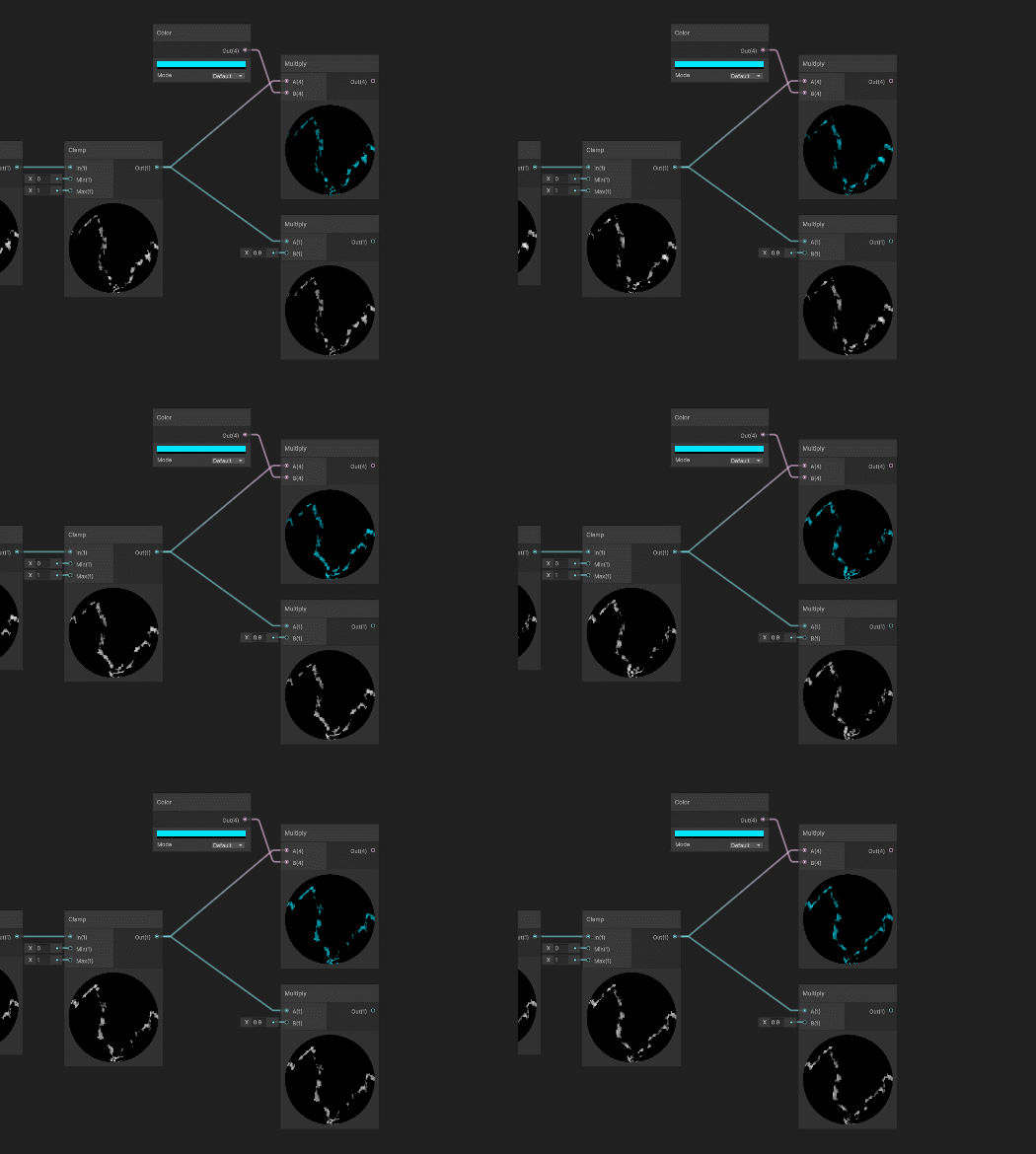
Quest Objects
The other two types of objects that needed special shaders - transmutable objects and gold objects. Transmutable needed something magical and attention-grabbing, and also had to evoke our gem. This swirling red seemed to fit the vibe:
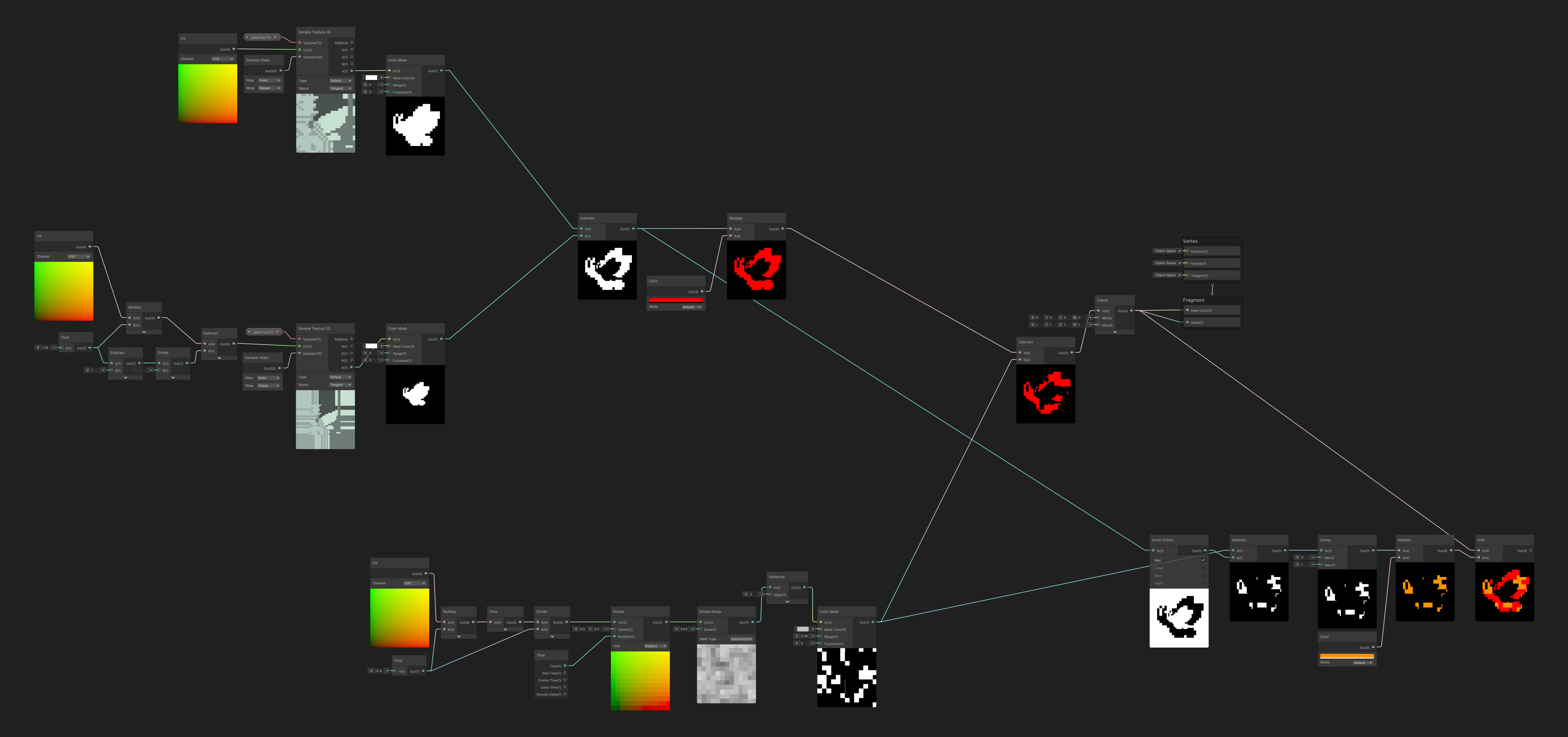
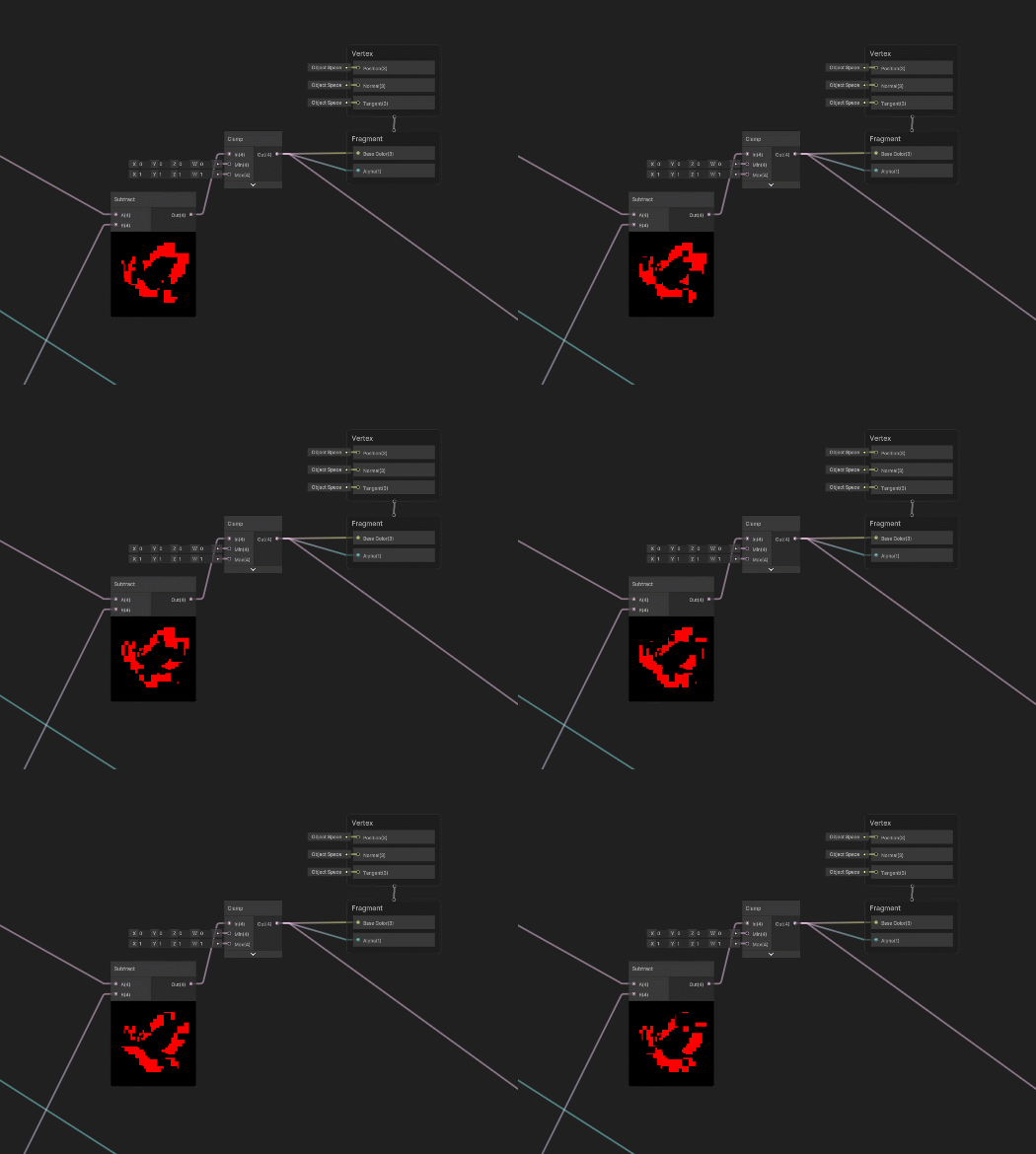
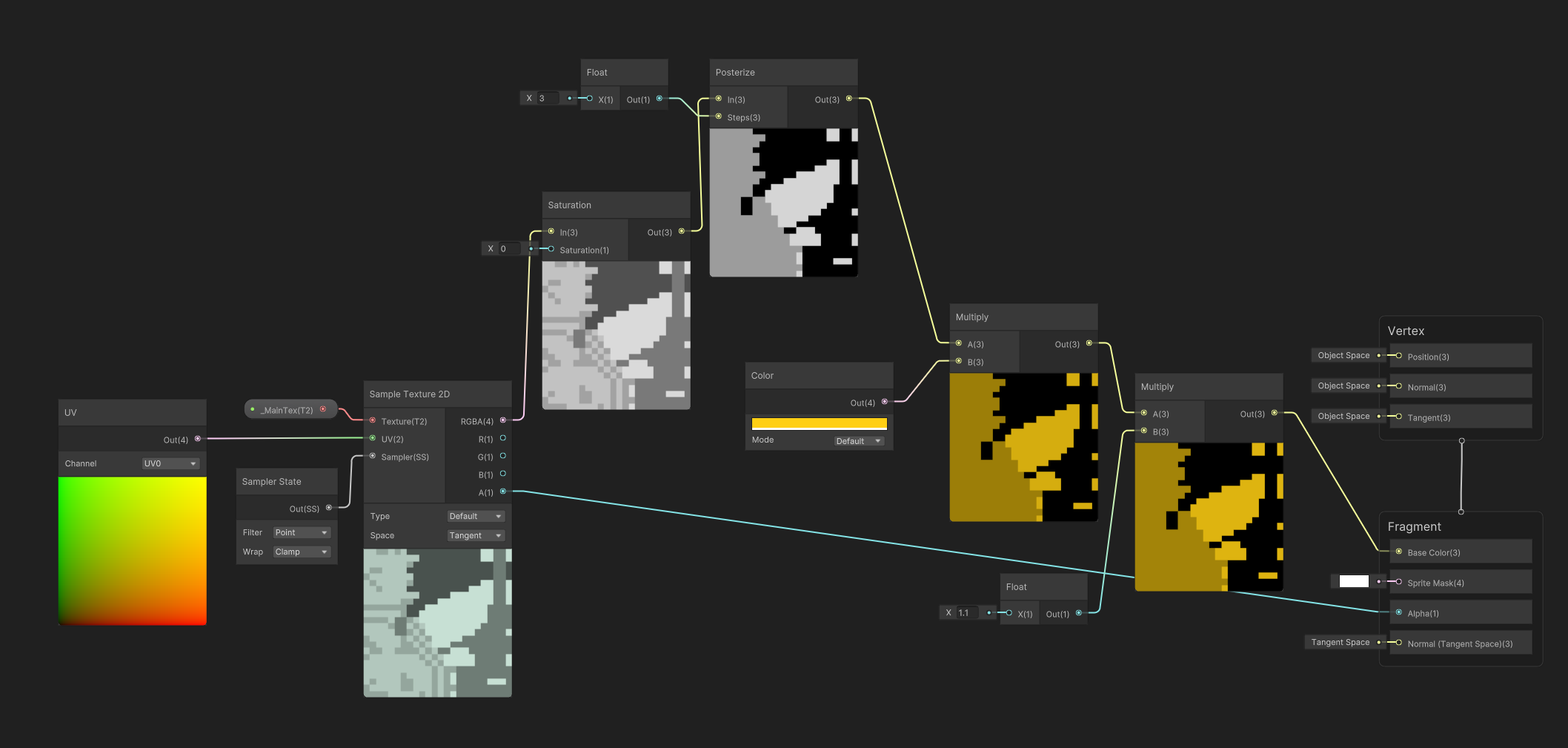
If materials would change at runtime, I made a shader to convert a regular texture to gold colors with a posterize:
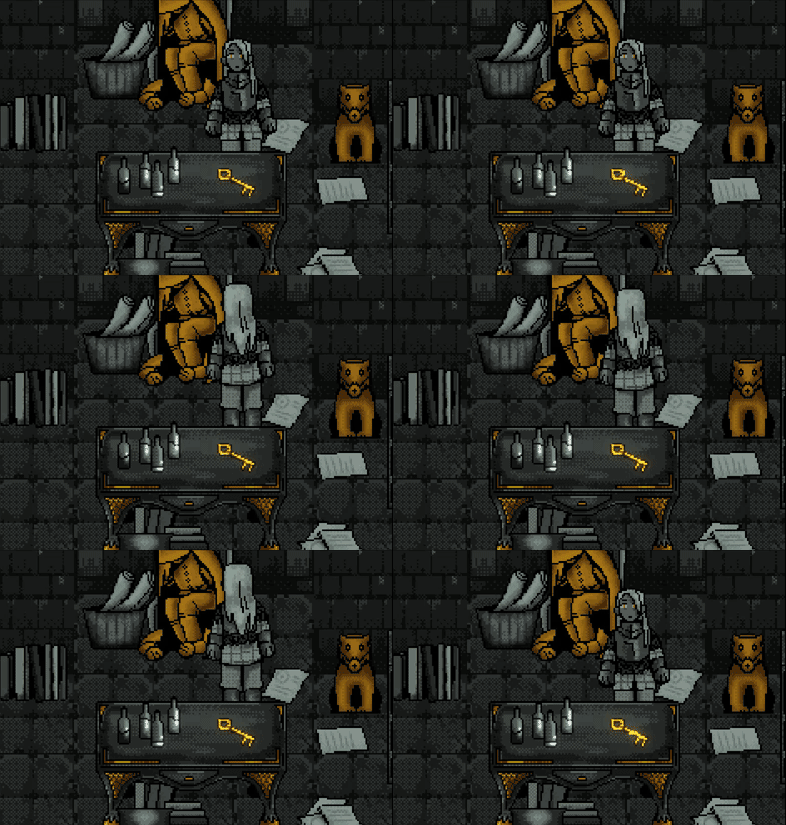
And then the golden quest items would have their own special shader to animate them:
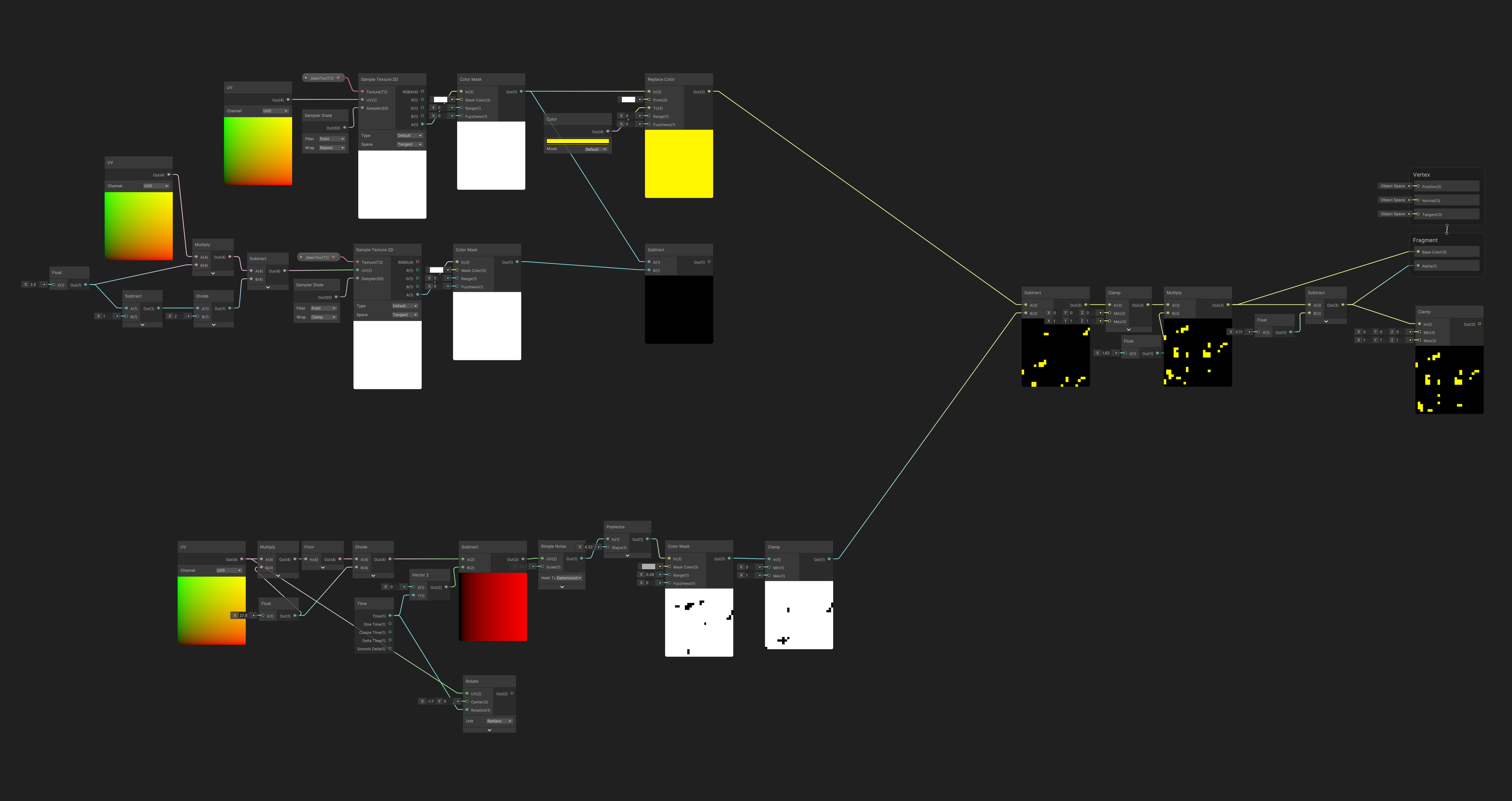
This had a fun animation:
All Together
This comes together most when transmuting and interacting with objects. Lets take a look:
And then we can see what the golden quest items look like:
Reflection
I think looking back on it, I spent too much time trying to make Unity do RPGMaker things. It was basically my entire job when I wasn’t fucking around with shaders. This made us unable to get as much done as we wanted, even if it gave us more freedom and we could play around with the game logic a lot.
I still don’t think I would change anything - I learned a lot during the project and had a lot of fun. We even got second place! People liked the vision and the vibes and that really is what matters in an indie game on itch.io.